Selective region export
Draw a zone on the page (screenshot-style) and export only that DOM region — ignore navigation, footers, and unrelated widgets.
Web Table to Excel Exporter turns a chosen block of page content into a spreadsheet-friendly CSV file — not the whole page, just the data region you care about.
Most export tools grab entire tables or force you to copy-paste. Web Table to Excel Exporter is built around precise selection: point at the structure you want (a data grid, a pricing block, or a nested list), confirm, and get a CSV that mirrors what you saw on screen.
<table> markup and list-based <ul> / <li> layoutsThe extension understands structured content in two common shapes:
<ul> / <li> patterns that behave like rows (product cards, feature lists, directory entries)When you enable action export, interactive elements inside the selection — such as buttons, links, and lightweight controls — can be written into dedicated CSV columns so you keep context (for example “Download”, “Edit”, or product URLs) alongside plain text.
Use the context menu on any page: start region mode, drag to highlight the zone you need (similar to cropping a screenshot), and export only that rectangle of DOM content. This is ideal when a page mixes ads, sidebars, and multiple unrelated tables — you isolate the block that matters.
Whether you need a one-off download or dozens of exports per week, the goal is the same: faithful structure, clean columns, Unicode-safe text, and no server round-trip.

Add your store and in-app captures to the paths below. Each slot is ready for a 16:9 or similar marketing screenshot.
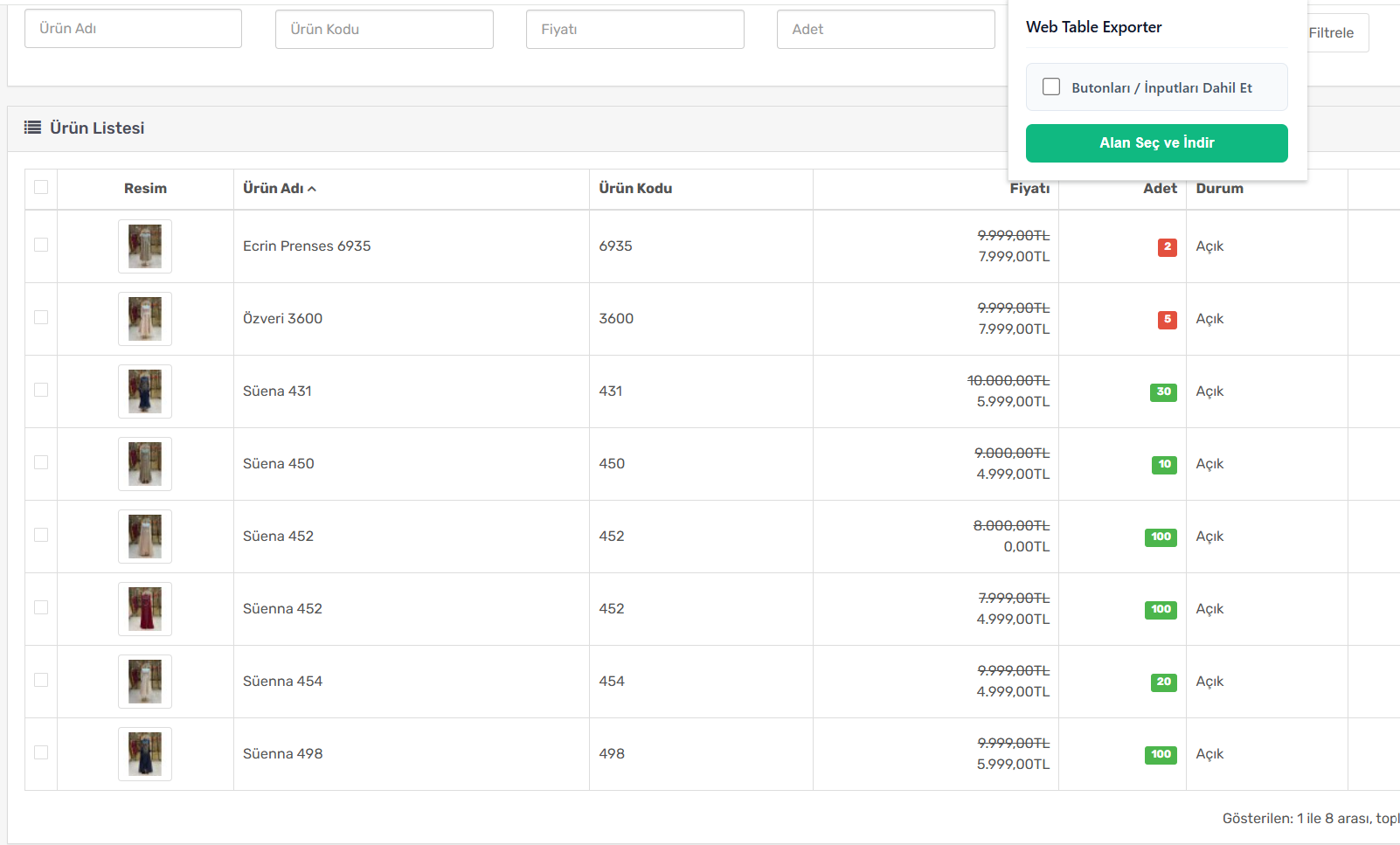
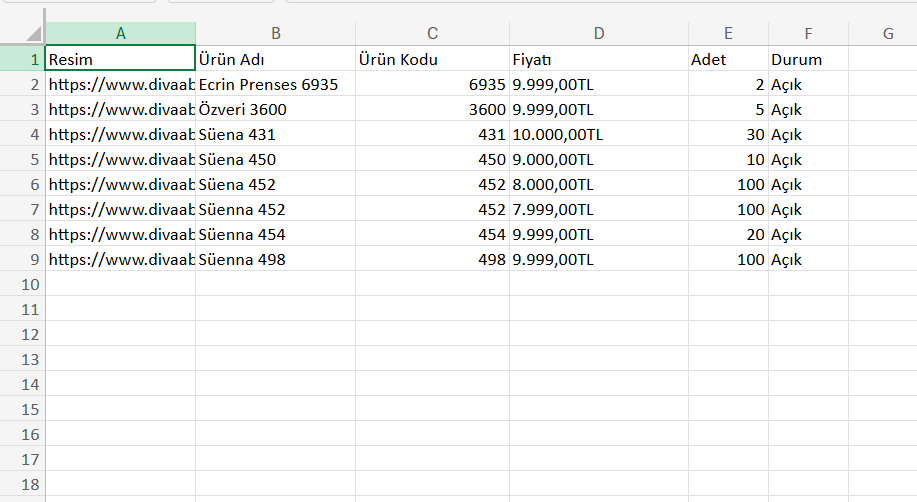
From quick table grabs to precise region exports with buttons preserved — tuned for real-world sites, not demo HTML only.
Draw a zone on the page (screenshot-style) and export only that DOM region — ignore navigation, footers, and unrelated widgets.
Handles semantic tables and list-driven layouts so card grids and directory-style UL blocks become rows and columns in CSV.
Optionally capture labels and targets for buttons, links, and inline actions — useful for audit trails and operational spreadsheets.
Start export from the context menu without opening the popup — fast when you already know which block you need.
UTF-8 CSV with sensible column breaks opens cleanly in Excel, Google Sheets, and Numbers — headers detected when present.
Parsing and file generation run locally in Chrome. No AddonsStore account required on the free tier; no bulk upload of your table data.
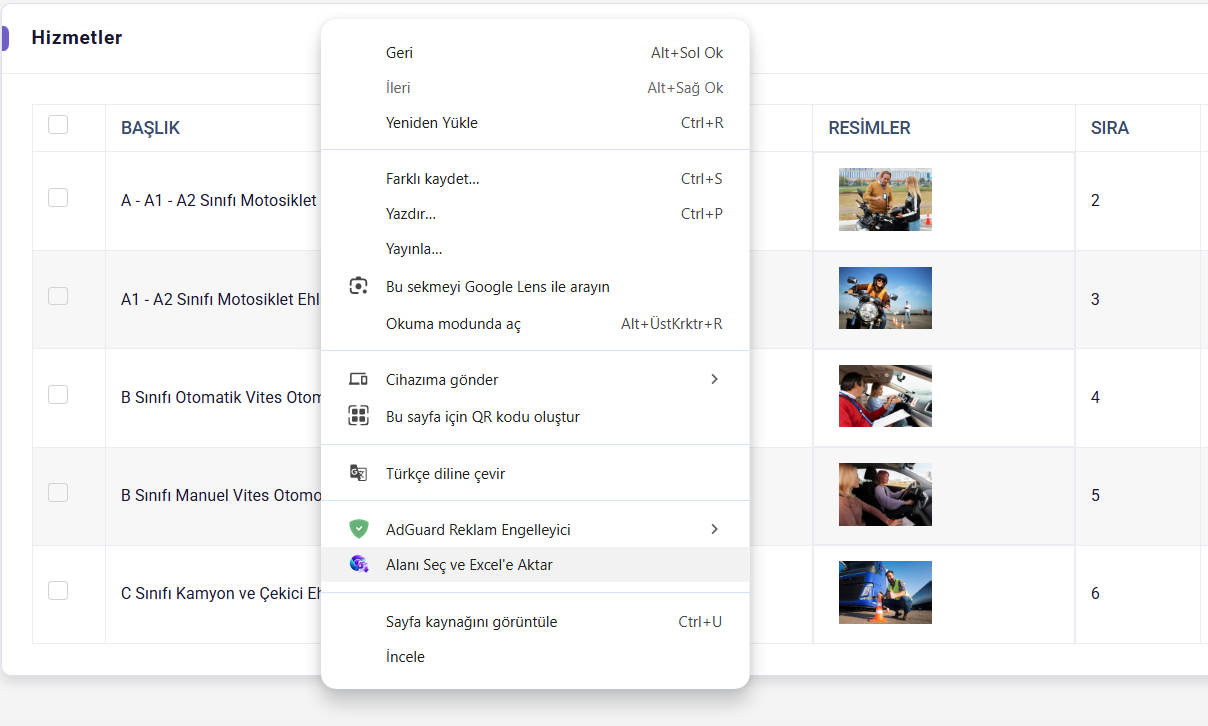
Many modern sites render catalogs as flex rows or nested lists instead of a single <table>. Web Table to Excel Exporter normalizes both:
Switch modes from the popup or let auto-detection suggest the best match before you download.
Turn on Include actions when you need more than visible labels — for example export “Add to cart” plus the underlying link, or admin “Approve / Reject” controls as separate columns for tracking.
When actions are disabled, the CSV stays lean: visible text and numeric values only, ideal for analysis and pivot tables.
Selection export, list layouts, actions, privacy, and Chrome Web Store install — answered in one place.
<table> or list structures without manual cropping. Use regions when a page has multiple unrelated blocks or chrome around the data.<ul> / <li> patterns (product tiles, directory entries, feature rows) can be mapped into CSV rows and columns when the inner structure is consistent. Table markup is not required.Approved Google Chrome extensions for workflow, productivity, and everyday browsing. Each tool has its own store listing.

Web Table Exporter is a practical Chrome extension that lets you convert HTML tables on any web page into CSV format and download them in seconds.